Welcome
Hi, I'm Evrella. In the next two minutes, I'll show you how to set me up in your Evrella console, so I can start answering your customers.
Before you start: open the set-up checklist
When you sign up, you get 30 days free. Open the Getting started checklist in the help bar. There are four steps: teach me, personalise me, choose what I do, and install me. The first three tick themselves as you go.
Step 1 of 4: Teach Evrella
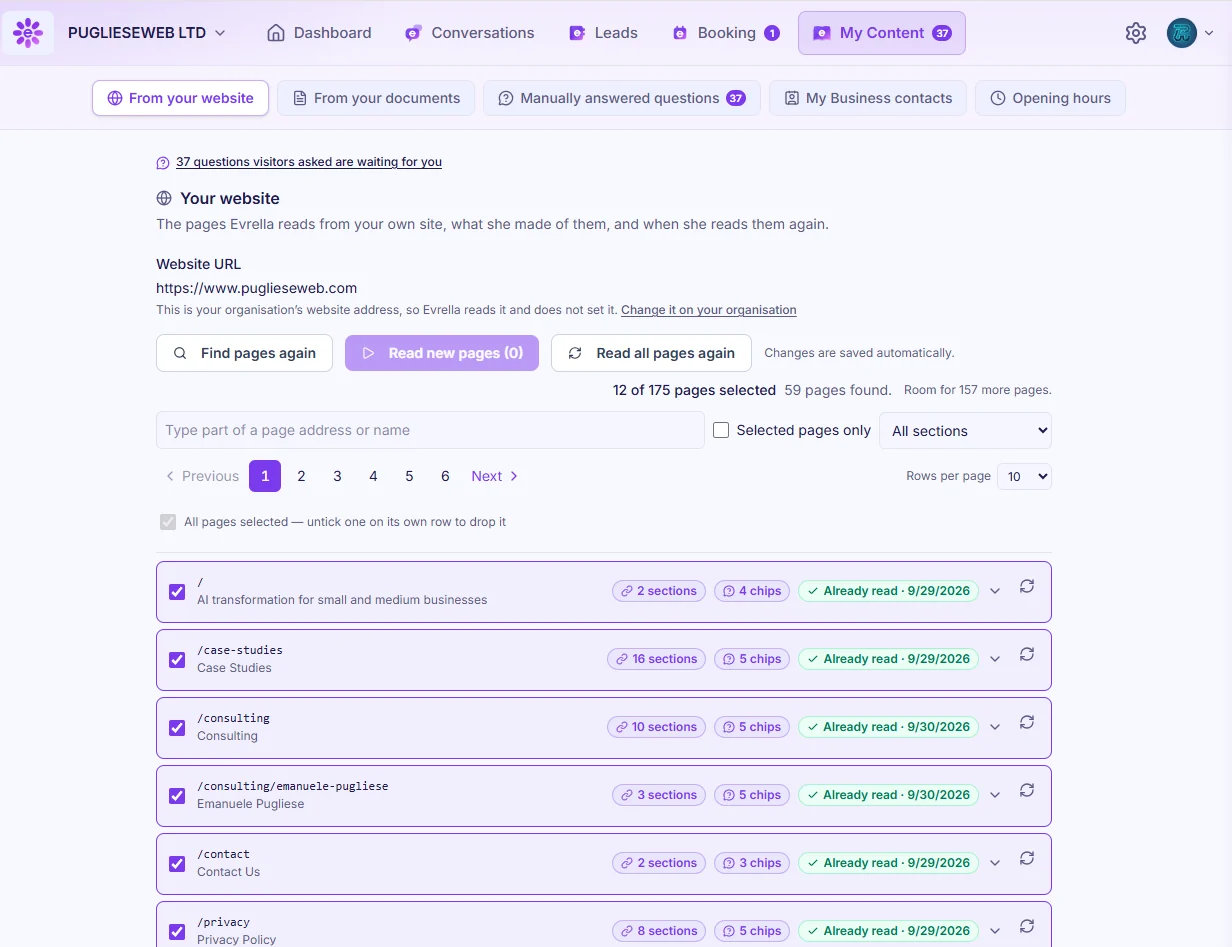
Step one: teach me. In My Content, type your website address, find all the available pages, and let me read them. I can re-read your site every night or every week, so I always stay up to date. You can also add documents, write answers to common questions in your own words, and confirm the opening hours and contacts I'm allowed to share.
Step 2 of 4: Personalise her
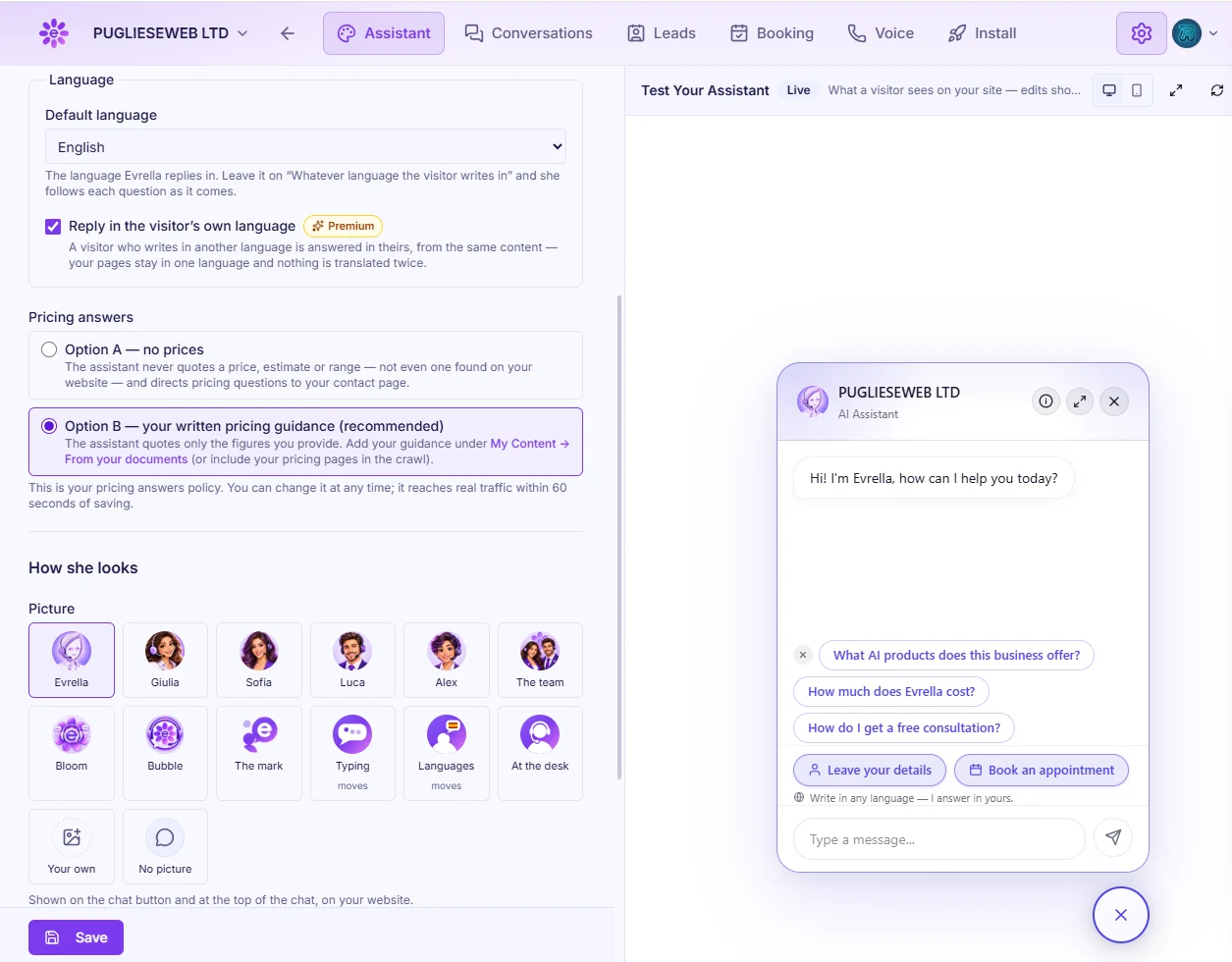
Step two: personalise me. In Settings, give me a name, a welcome message and some suggested questions. Pick my language, how I talk about prices, my picture and your brand colour. The live preview shows every change straight away.
Step 3 of 4: Choose what she does
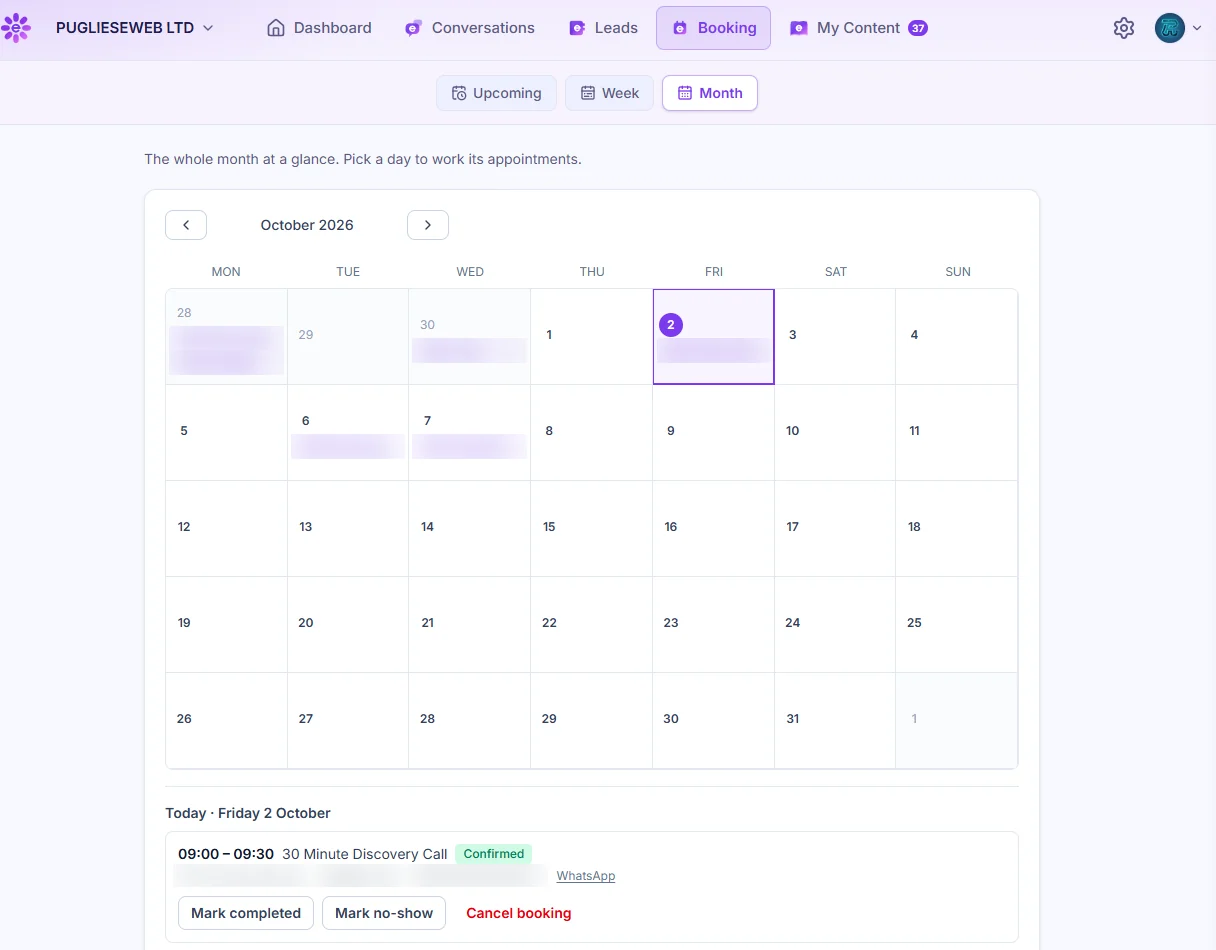
Step three: choose what I do. I handle conversations and leads, and I can take bookings too. Add your services and hours. Connect Google Calendar so I never offer a time when you're busy, and get notified by email or text.
Step 4 of 4: Install on your website
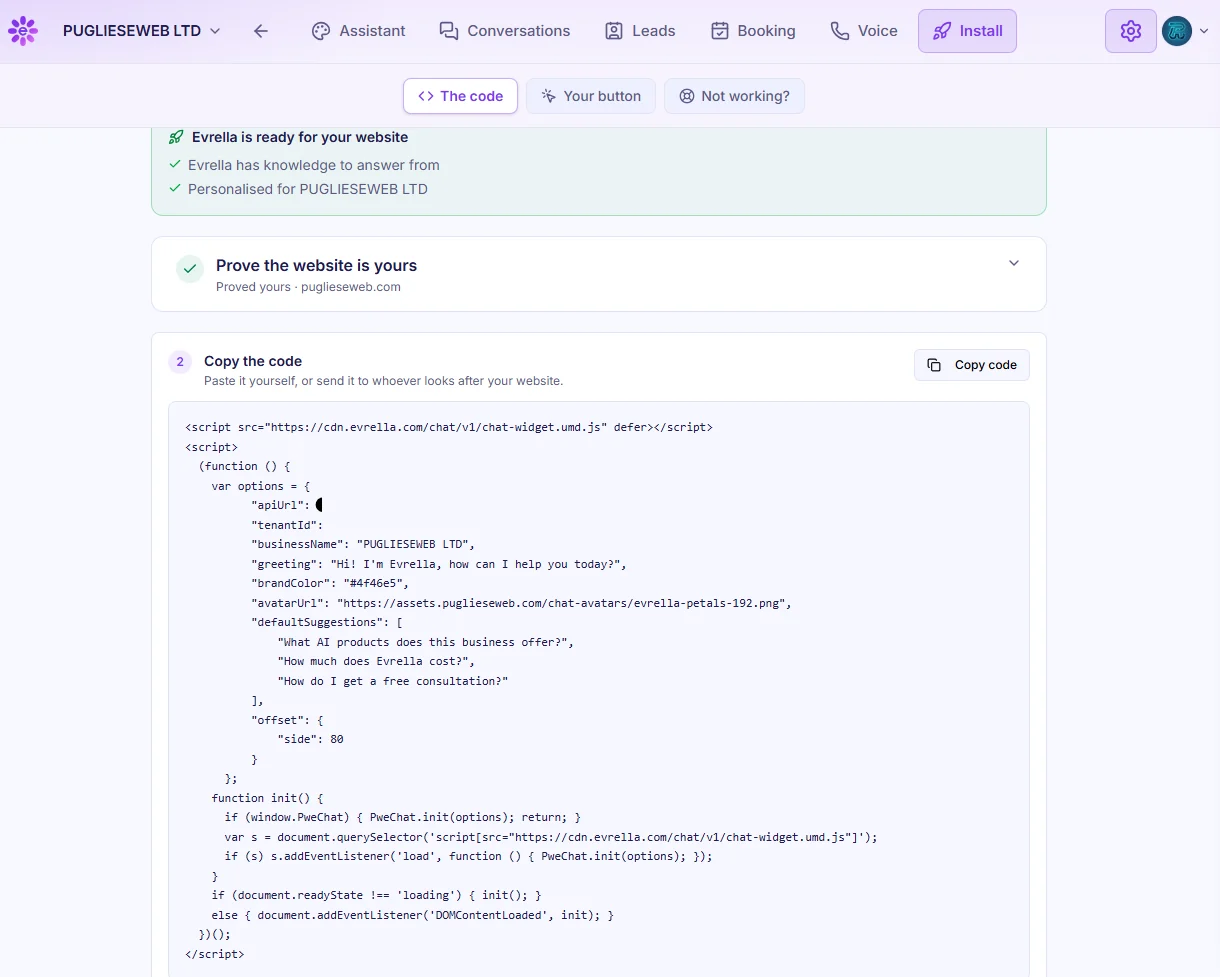
Step four: install me. Prove the website is yours, then paste one line of code into your site. There are simple guides for WordPress, Wix, Squarespace and Shopify.
Final check: test it and go live
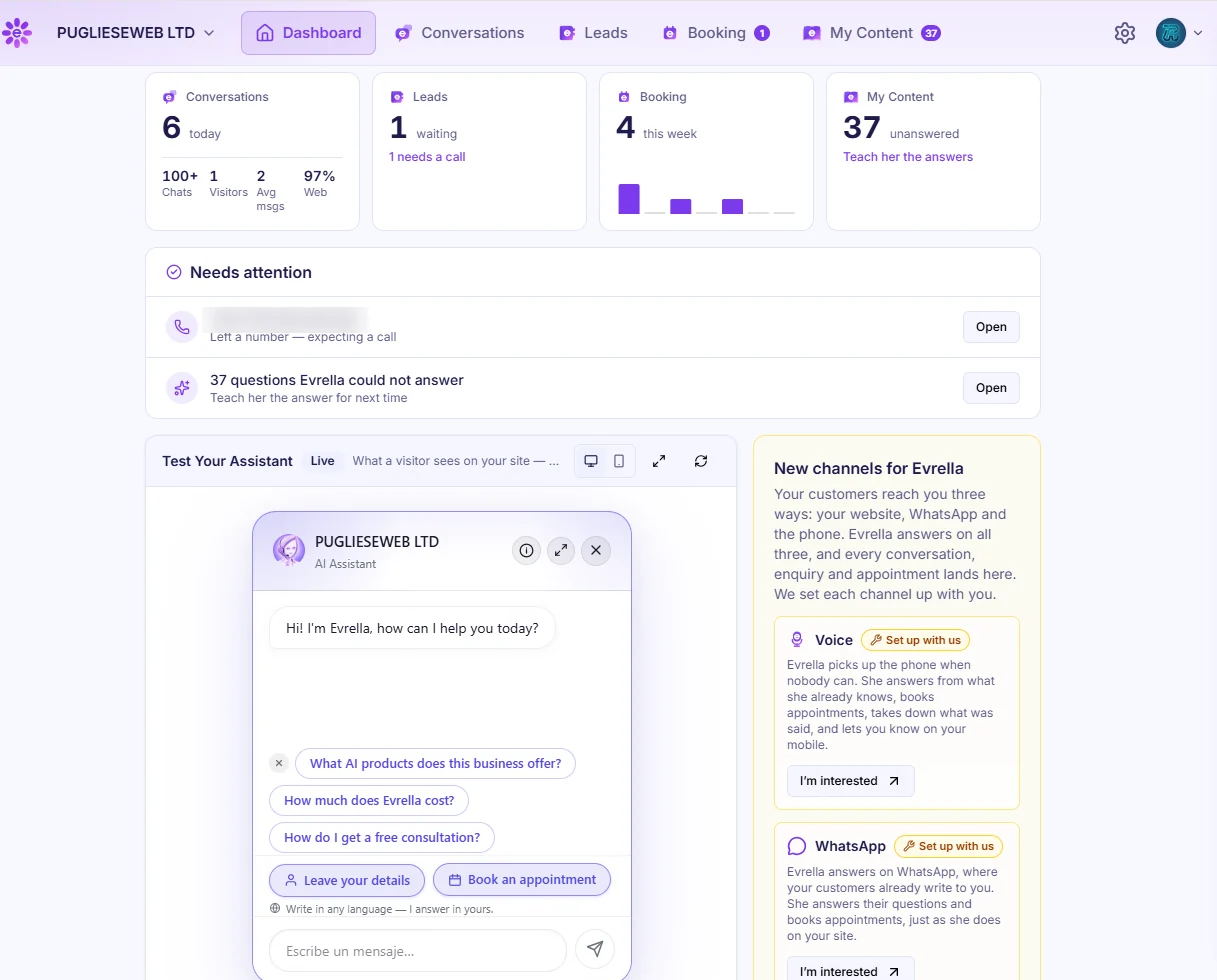
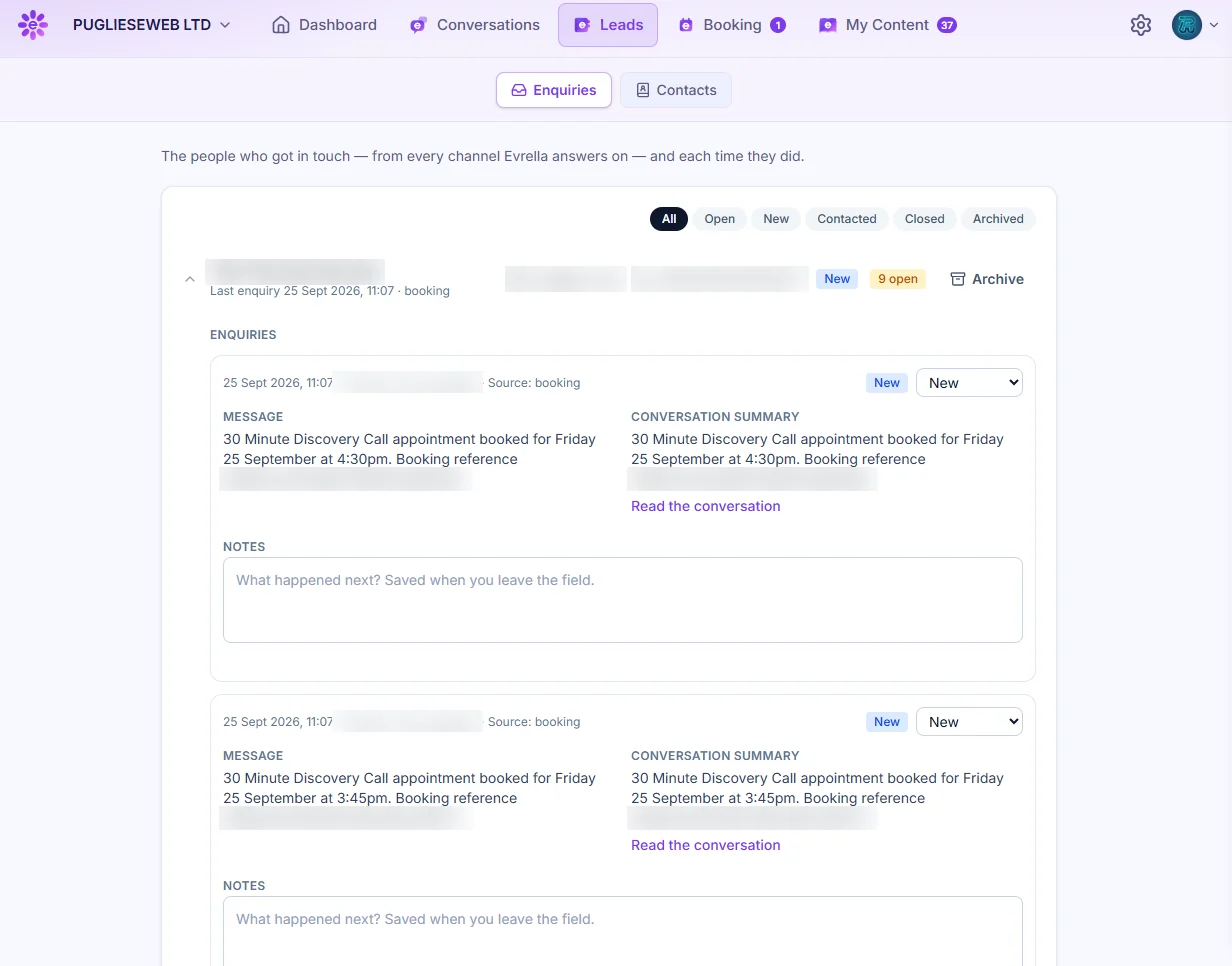
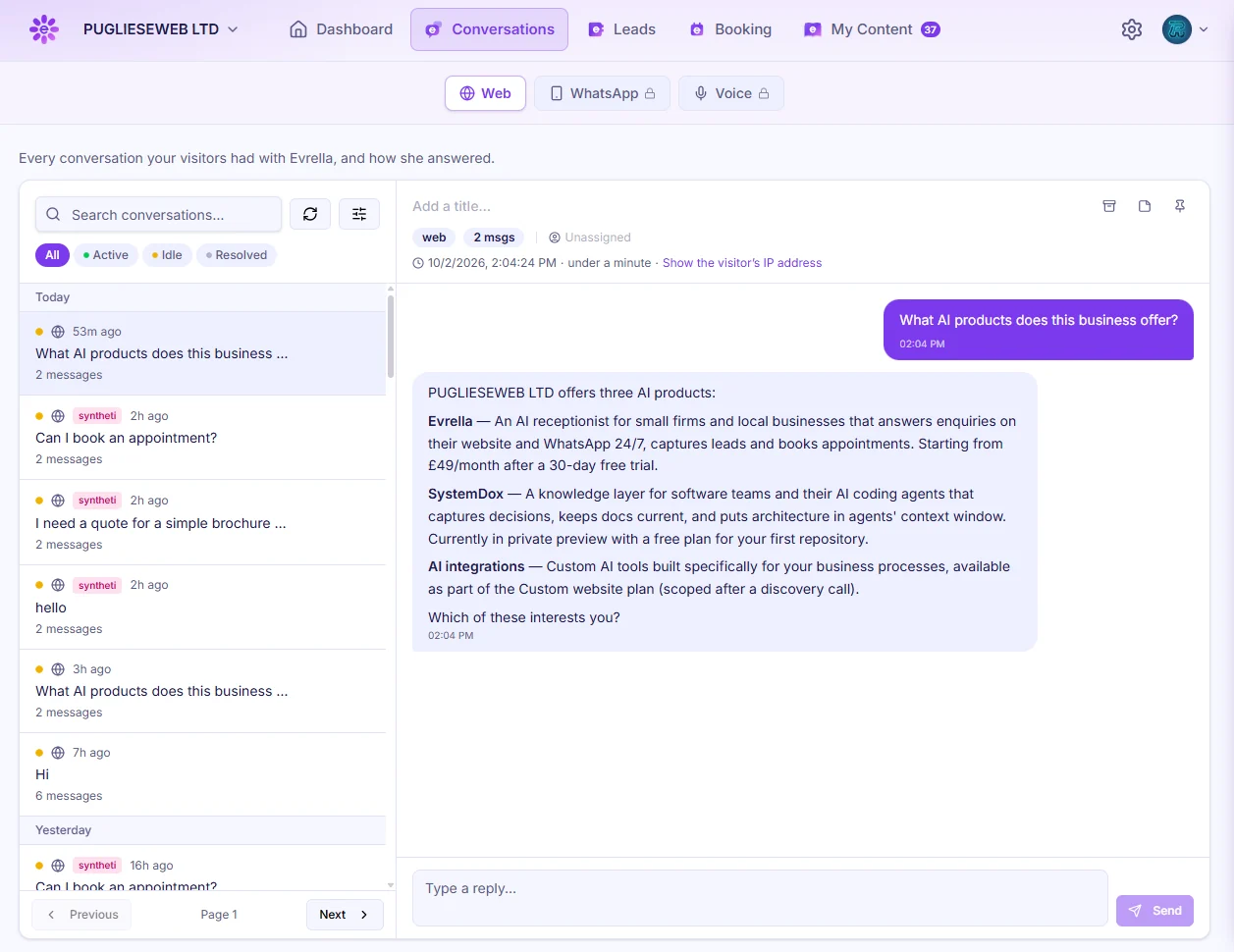
Finally, test me. Use Test Your Assistant to chat with me just like a customer would. Your dashboard shows every conversation, lead and booking, and if you ever need a real person, the Help Desk is right there.
Start your 30 days free
That's it, you're ready. Start your 30 days free at evrella.com.






 Evrella